The Complete Guide to Instagram Unfollowers: How to Find, Track, and Manage Non-Followers
Instagram has over 2 billion monthly active users, and managing your connections on the platform has become more important than ever. Whether you're a content creator, small business, or personal user, knowing who follows you back — and who doesn't — is essential for maintaining a healthy and effective Instagram presence.
What Are Instagram Unfollowers?
Instagram unfollowers are accounts that you follow but that don't follow you back. These are sometimes called "non-followers" or "ghost followers" (though ghost followers more specifically refers to inactive accounts). When you follow someone on Instagram and they don't reciprocate, your following count increases without a corresponding increase in your followers — creating an imbalanced ratio that can affect your account's perceived credibility.
Why Should You Track Instagram Unfollowers?
There are several practical reasons to keep track of who doesn't follow you back:
- Engagement rate: Instagram's algorithm factors in engagement rate (likes and comments relative to followers). A clean following list helps ensure your content is shown to genuinely interested people.
- Follower-to-following ratio: Brands, potential collaborators, and new visitors often judge your profile by this ratio. A ratio where you follow far more people than follow you suggests low authority.
- Feed quality: Every account you follow adds to your feed. Following accounts that don't engage with your content means your feed is filled with irrelevant posts.
- Follow-unfollow detection: Some accounts use the follow-unfollow tactic — they follow you to get a follow back, then unfollow shortly after. Tracking unfollowers helps you spot this behavior.
How to Check Who Doesn't Follow You Back on Instagram
There are three main approaches to finding your Instagram unfollowers:
Method 1: Manual Checking
Go to your Instagram profile, tap "Following," and check each account individually. If you see "Follow" or "Follow Back" on their profile instead of "Following" (from their side), they don't follow you. This method is free but extremely slow — checking 500 accounts can take several hours.
Method 2: Third-Party Mobile Apps
Several mobile apps claim to track Instagram unfollowers. However, most require your Instagram login credentials, which poses security risks. Many have been removed from app stores for violating Instagram's terms of service. Giving your password to third-party apps can lead to account compromise.
Method 3: Browser Extensions (Recommended)
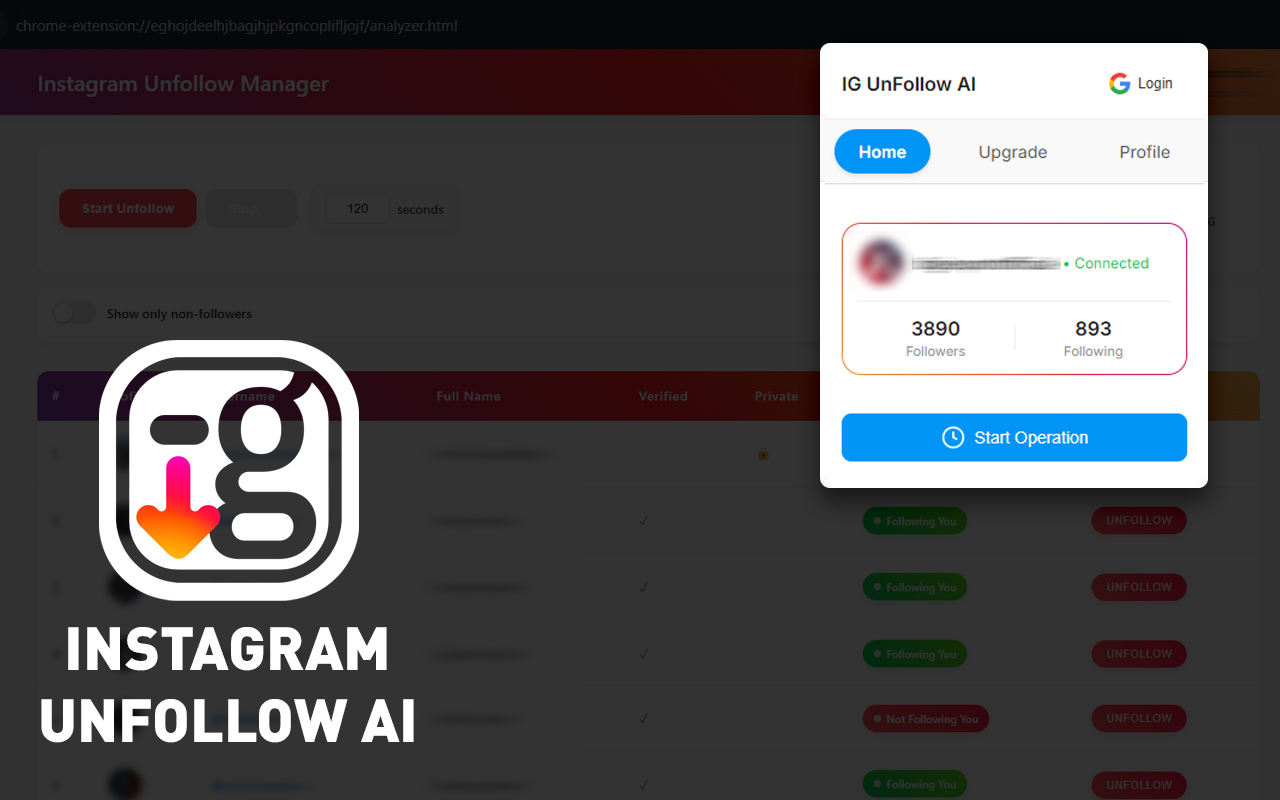
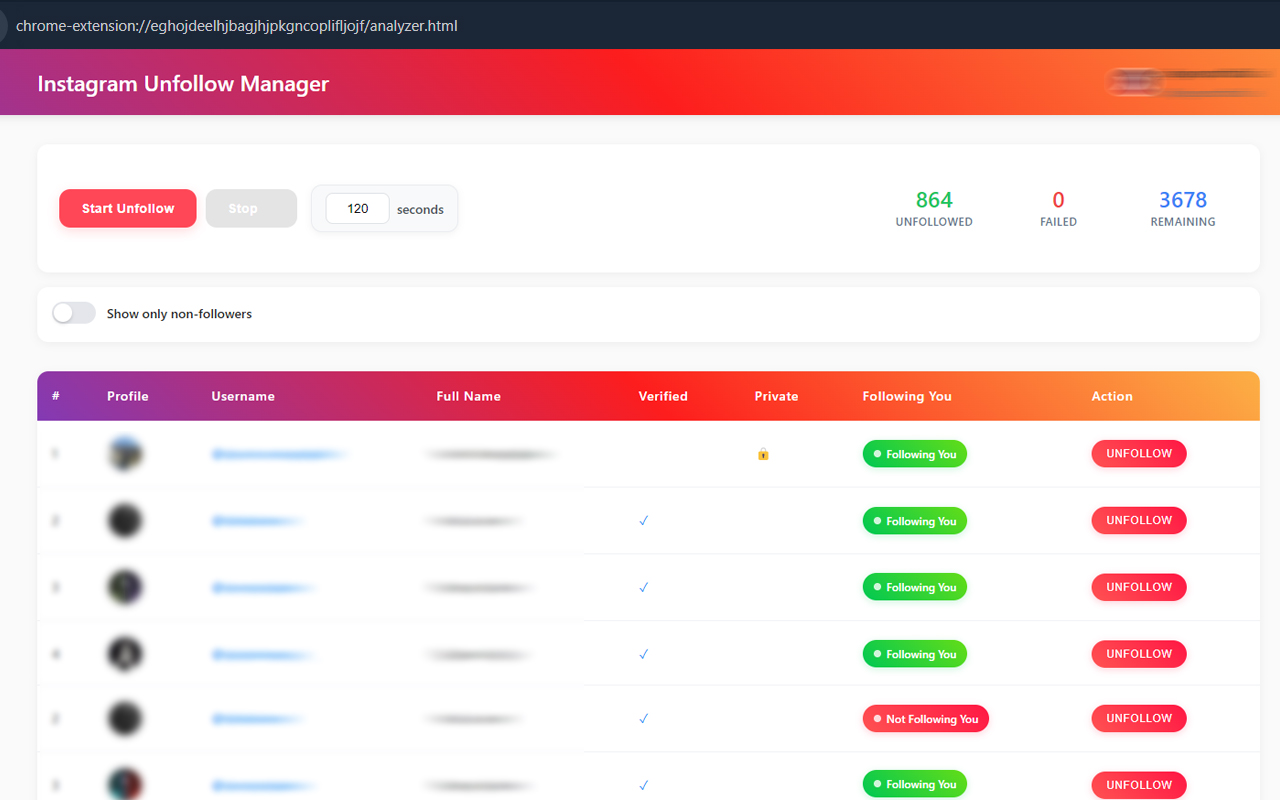
Browser extensions like Instagram Unfollowers work differently. They operate within your existing Instagram session in Chrome — reading follower data directly from the page without needing your password. This approach is both safer and more efficient. The scan happens locally in your browser, and no data is sent to external servers.
Understanding Instagram's Follow and Unfollow Limits
Instagram sets limits on follow and unfollow actions to prevent spam. These limits vary based on account age and behavior:
- New accounts (under 3 months): 20-30 unfollows per hour, 50-100 per day
- Established accounts (3-12 months): 30-50 unfollows per hour, 100-150 per day
- Mature accounts (12+ months): 40-60 unfollows per hour, 150-200 per day
Exceeding these limits triggers a temporary "action block" lasting anywhere from 1 hour to 48 hours. The Instagram Unfollowers extension includes built-in rate limiting that automatically stays within safe boundaries.
The Follow-Unfollow Problem on Instagram
One of the most common reasons people search for unfollower tools is the follow-unfollow tactic. This is when accounts follow you to get a follow back, wait a few days, then quietly unfollow you. The result: they keep the follower they gained (you), while you lose the "mutual" connection you thought you had.
Regular unfollower checks help you catch this behavior quickly. If you notice that many recent followers have unfollowed within days, it's a clear sign of this tactic. Knowing this helps you avoid reciprocating follows from accounts that are likely to unfollow.
Best Practices for Managing Your Instagram Following List
- Check weekly: Run a quick scan once a week to catch new non-followers before your list becomes unmanageable.
- Use the whitelist: Protect accounts you want to keep following regardless (friends, family, inspiration accounts, news outlets).
- Don't overreact: Not every non-follower needs to be unfollowed immediately. Some accounts (celebrities, brands, educational pages) are worth following even if they don't follow back.
- Pace your unfollows: Even with tool automation, spread bulk unfollows across multiple sessions. This looks more natural to Instagram.
- Focus on content: The best way to retain followers long-term is to create valuable content. Tools help optimize your profile, but content keeps people engaged.
Browser Extension vs. Mobile Apps: Why Extensions Are Safer
When it comes to checking Instagram unfollowers, browser extensions have clear advantages over mobile apps:
- No credentials required: Extensions work within your existing login session. Apps typically ask for your username and password.
- Local processing: Extensions process data in your browser. Most apps send your data to their servers.
- No API abuse: Extensions read from the web page. Apps often use unofficial APIs that Instagram actively blocks.
- No app store removal risk: Many Instagram follower apps get removed from Play Store/App Store. Chrome extensions following guidelines remain available.