How to extract emails from a website
Get started with Email Extractor in just a few simple steps
Install the Extension
Click "Add to Chrome" button above to install Extract AI Email Extractor to your browser.
Click the Icon
Navigate to any webpage and click the Extract AI icon in your browser toolbar.
Extract Emails
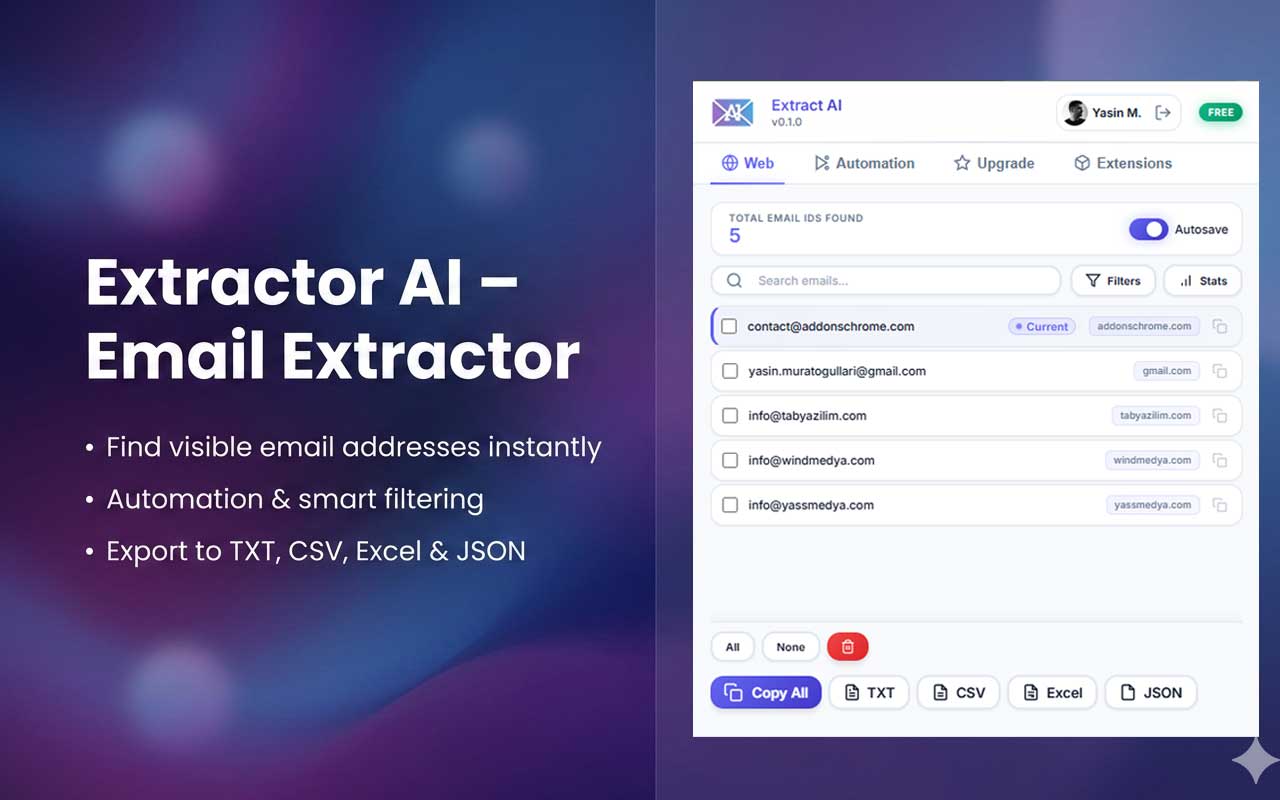
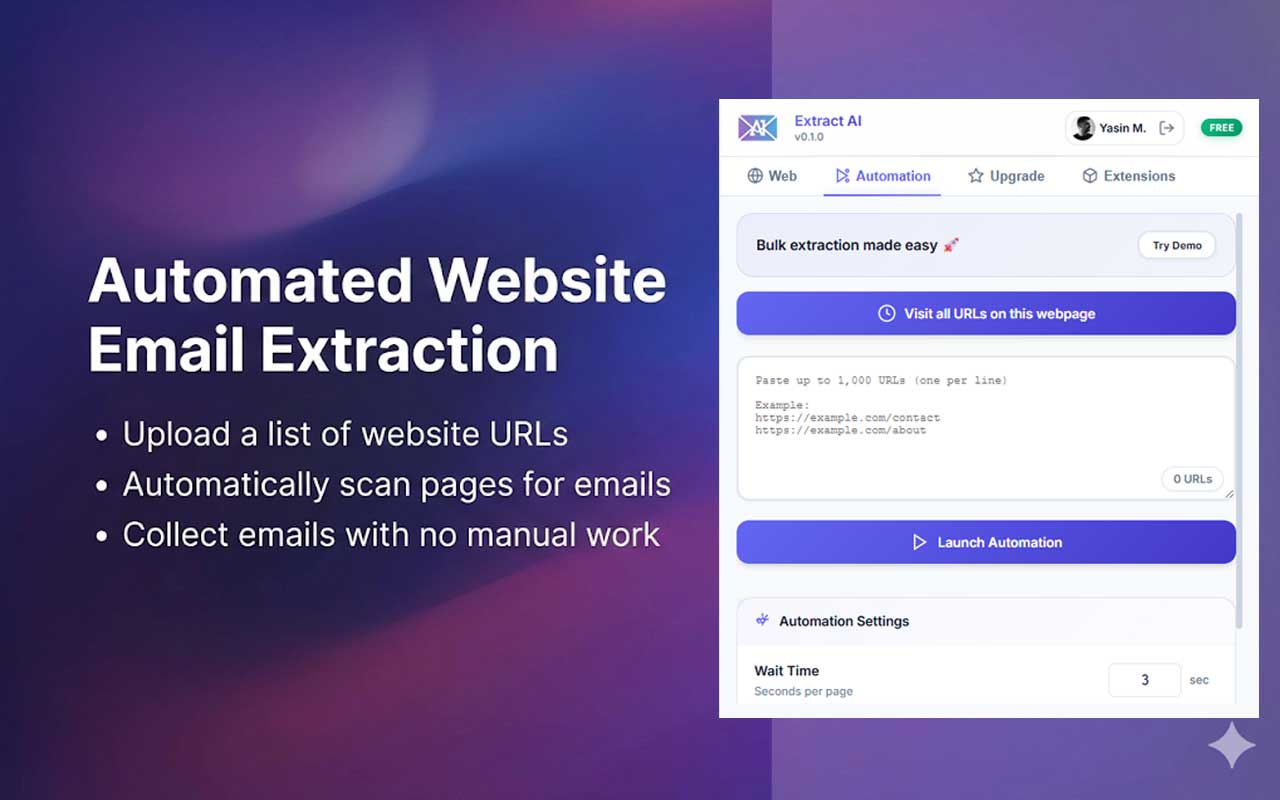
The Email Extractor will automatically scan the page and find all visible email addresses.
Export Results
Export your extracted emails to TXT, CSV, Excel, or JSON format with just one click.