


![Siddhii :]](https://lh3.googleusercontent.com/a-/ALV-UjWUTcu89ivid449yiVpuUZNRUjw3Y8zVEBQHolpz74vFUb20_I=s32)


The Complete Guide to Unfollowing Non-Followers on Instagram (2026)
If you've been growing your Instagram account, chances are you've followed hundreds — maybe thousands — of accounts hoping they'd follow you back. But many don't. Over time, this creates a lopsided follower-to-following ratio that can hurt your credibility and engagement. This guide covers everything you need to know about finding and removing non-followers from your Instagram account.
Why Your Follower-to-Following Ratio Matters
Your Instagram ratio (followers divided by following) is one of the first things people notice when they visit your profile. A ratio below 1.0 signals that you follow more people than follow you — which can make your profile appear less authoritative. Brands and potential followers often judge credibility by this number. A healthy ratio of 1.5 or higher suggests that people genuinely want to follow your content.
How to Check Who Unfollowed You on Instagram
Instagram doesn't notify you when someone unfollows you, and there's no built-in feature to check. Your options are:
- Manual checking: Go to each account in your following list and check if they follow you back. This works but is painfully slow for accounts following more than 50 people.
- Third-party mobile apps: Several apps offer this feature, but most require your Instagram login credentials — which poses a significant security risk. Many have been removed from app stores for violating Instagram's terms.
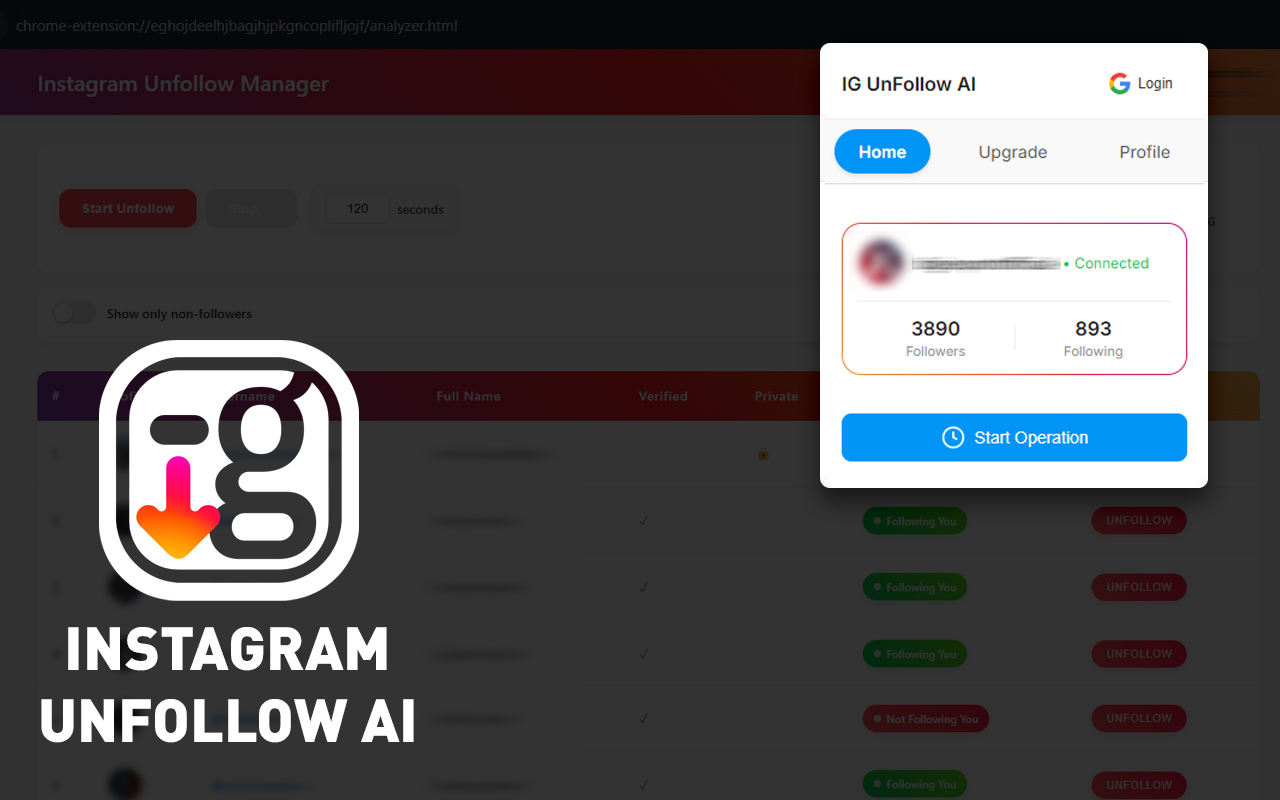
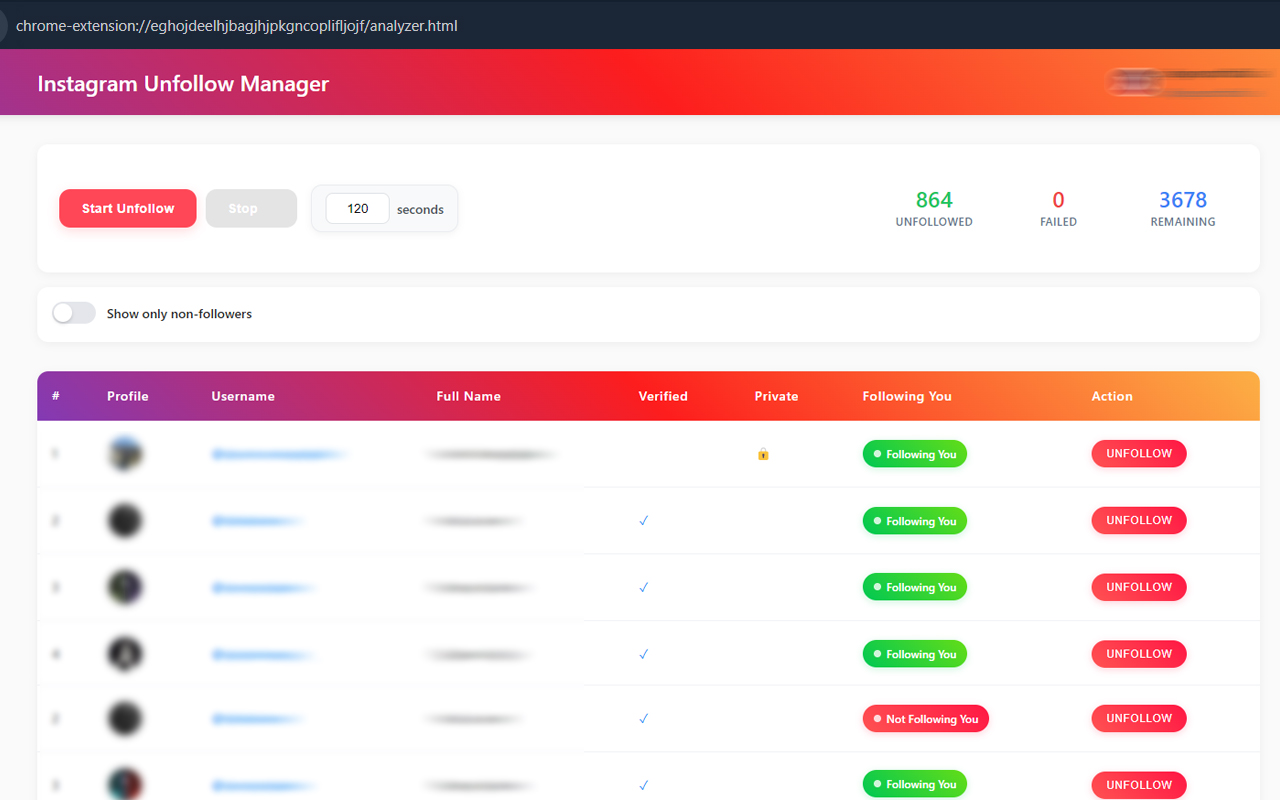
- Browser extensions: Tools like Instagram Unfollow AI work directly in your browser without needing your password. They read follower data from the Instagram page itself, making them both safer and more convenient.
Understanding Instagram's Unfollow Limits
Instagram enforces rate limits on actions including unfollowing. These limits exist to prevent spam and automated abuse. Here's what you need to know:
- Hourly limit: 30-60 unfollows per hour for established accounts
- Daily limit: 100-200 unfollows per day depending on account age
- New accounts: Stricter limits of 20-30 per hour, 50-100 per day
- Action blocks: Exceeding limits can trigger temporary blocks lasting 24-48 hours
A good Instagram mass unfollow tool or unfollow checker should respect these limits automatically. This extension uses AI-powered rate detection that monitors Instagram's responses in real-time and adjusts the unfollow pace to keep your account safe.
Best Practices for Mass Unfollowing on Instagram
Whether you use a tool or do it manually, follow these guidelines to protect your account:
- Start slow: Begin with 20-30 unfollows and see how your account responds before increasing the pace.
- Use a whitelist: Before mass unfollowing, identify accounts you want to keep — friends, clients, favorite creators — and protect them.
- Space it out: Don't unfollow 500 accounts in a single session. Spread it across several days for maximum safety.
- Stay active: Continue posting, liking, and commenting normally while using an unfollow tool. Normal activity alongside unfollowing looks more natural to Instagram.
- Review before removing: Some accounts may not follow you back but are still valuable to follow (news outlets, industry leaders, etc.).
Chrome Extension vs Instagram Unfollow App: Which Is Safer?
When choosing an Instagram unfollow tool or unfollower checker, you'll find both mobile apps and Chrome extensions. Here's why browser extensions are generally the better choice:
- Security: Chrome extensions work within your existing Instagram session — no need to enter your password into a third-party app.
- Privacy: Data stays in your browser and is never uploaded to external servers.
- Reliability: Browser extensions read data directly from Instagram's web interface, so they're less likely to break when Instagram updates its API.
- Cost: Most quality Chrome extensions for Instagram management are free, while mobile apps often require subscriptions.
How Instagram Unfollow AI Protects Your Account
Account safety is the most critical factor when choosing a mass unfollow tool. Here's how the extension protects you as a reliable instagram follower tracker and unfollow extension:
- Randomized timing: Each unfollow action has a randomized delay, mimicking natural human behavior instead of machine-like precision.
- Response monitoring: The AI monitors Instagram's HTTP responses for early warning signs of rate limiting and automatically pauses before a block occurs.
- Session management: The tool works within your existing browser session, so Instagram sees actions coming from your regular login — not from an unknown device or location.
- Conservative defaults: The default speed setting is intentionally conservative, suitable for all account types including new accounts.
































