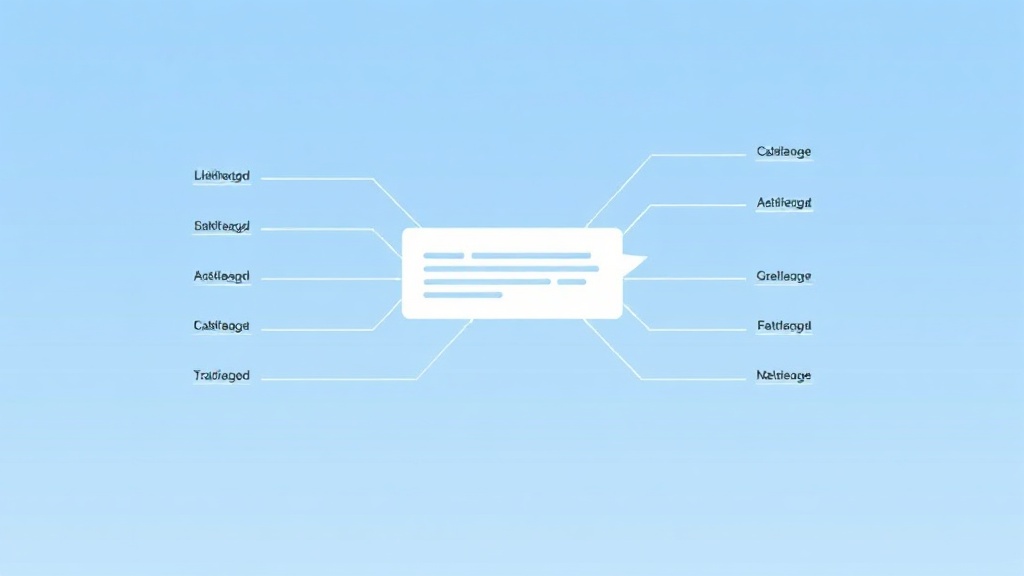
Once you've written a few hundred prompts, you notice the good ones share a shape. They aren't longer for the sake of it — they just cover the same handful of bases that leave the AI nothing to guess. Learn that structure and you can build a strong prompt for almost anything, on purpose, instead of hoping. Here's the anatomy of a great AI prompt, part by part, with a full example at the end.
The Six Building Blocks
A complete prompt can include up to six parts. You won't need all six every time, but each one removes a category of guesswork.
1. Role
Who the AI should be. "You're an experienced UX writer," "act as a patient physics tutor." A role sets the tone, vocabulary, and depth in a few words, so the whole answer arrives in the right register.
2. Context
The background the AI needs: who the output is for, the situation, any constraints from the real world. "This is for a landing page aimed at small business owners who aren't tech-savvy." Context is what turns a generic answer into one that fits your actual case.
3. Task
The core instruction — what you actually want done, stated as a clear action. "Write," "summarize," "compare," "rewrite," "brainstorm." This is the one part you can never leave out, and it should be unmistakable.
4. Format
The shape of the output: a table, a numbered list, a single paragraph, a specific length. "Answer in a 5-row table," "keep it under 100 words." Specifying format saves you from reworking the result.
5. Constraints
The guardrails: what to include, what to avoid, the tone, the reading level. "Avoid jargon," "friendly but professional," "don't exceed three sentences per point." Constraints sharpen an answer that would otherwise drift.
6. Examples
An optional but powerful part. Showing one example of what you want — a sample in the right voice or structure — gives the model a target to match, which works better than describing the style in words.
Putting It All Together
Here's the anatomy assembled into one prompt:
"You're an experienced email marketer (role). I run a small online plant shop and I'm emailing customers who bought once but haven't returned in 3 months (context). Write a short win-back email that offers a 15% discount (task). Format it as a subject line plus a body under 120 words (format). Keep the tone warm and friendly, no pushy sales language, and don't use exclamation marks (constraints). Match the relaxed style of this line: 'Your plants miss you — and so do we.' (example)."
Notice there's nothing left to guess. That's the whole point of the structure: every part you add closes off a way the answer could go wrong.
Build prompts like a sentence, not a form. You don't need labels — just naturally include role, context, task, and format in your wording, and the AI picks them up.
When to Keep It Short
Not every prompt needs all six parts. A quick factual question ("what's the capital of Peru?") needs only a task. Reserve the full anatomy for tasks where the output matters — writing, analysis, anything you'll actually use. Over-engineering a simple question just wastes your time. The skill is matching the prompt's complexity to the job.
The Shortcut: Let a Tool Assemble It
Holding all six parts in your head for every prompt is a lot, especially mid-task. PromptJolt does the assembly for you — take your rough request and it rewrites it into a structured prompt with the role, context, and format filled in, in one click, inside ChatGPT, Claude, and Gemini. It's the anatomy on autopilot. To see the techniques behind each part, read how to write better ChatGPT prompts.

PromptJolt — AI Prompt Enhancer
PromptJolt rewrites and upgrades your prompt in one click — turning a rough request into a clear, detailed instruction for ChatGPT, Claude, and Gemini. Free, right in your browser.
Try It Free →Using more than one AI? The same structure travels — see how to prompt ChatGPT, Claude, and Gemini.
A Second Worked Example
To show the anatomy isn't just for marketing copy, here's a different task — learning something. "You're a patient tutor for complete beginners (role). I'm trying to understand how mortgages work before I talk to a bank, and I find finance intimidating (context). Explain how a fixed-rate mortgage works and what 'amortization' means (task). Use a short, plain-language paragraph for each, then a 3-row table showing how a payment splits between interest and principal over time (format). No jargon without explaining it, and keep the whole thing under 250 words (constraints)." Same six parts, completely different job — and again, nothing left to guess. That's the sign of a well-built prompt.
Turn Your Best Prompts Into Templates
The real payoff of understanding the anatomy is reuse. When a prompt works well, don't throw it away — strip out the specifics and keep the skeleton. Your win-back email prompt becomes a reusable "win-back email for [product] to [audience]" template; your tutor prompt becomes an "explain [topic] to a beginner with an analogy and a table" template. A small personal library of these covers most of what you do and turns prompting from a fresh effort each time into a quick fill-in-the-blanks. It's exactly how power users move so fast — they're not writing from scratch, they're reusing structures that already proved themselves.
Frequently Asked Questions
Do I have to label the parts (Role:, Task:, etc.)?
No. Labels can help for complex prompts, but writing the parts naturally into a sentence works just as well for most tasks.
What if I only include the task?
You'll still get an answer, just a more generic one. Adding context and format is where the biggest quality jump usually comes from.
How long should a prompt be?
As long as it needs to be to remove guesswork, and no longer. Simple questions stay short; high-stakes outputs deserve the full structure.
Does this structure work for images and code too?
Yes. Role, context, task, format, and constraints apply to any AI task — you just swap in the relevant details, like style for images or language for code.
The Bottom Line
Great prompts aren't lucky — they're built. Role, context, task, format, constraints, and an example are the parts; the task is mandatory and the rest you add as the job demands. Learn the anatomy and you can construct a strong prompt for anything, or let an enhancer assemble it for you in a click.























