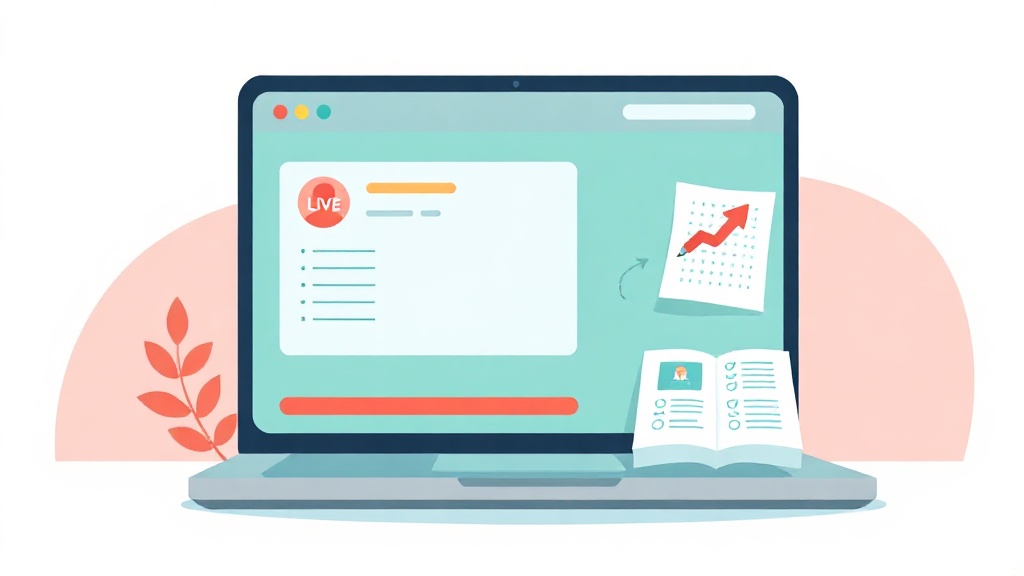
Between recording lessons, prepping materials, giving feedback, and keeping a full class on task, online teaching lives inside your browser. The right Chrome extensions quietly turn that browser into a lightweight classroom -- no new software to install, no bulky downloads, and most of them completely free. Below are the tools that genuinely earn a spot on an educator's toolbar in 2026, organized by the teaching job they actually do.
What are the best free Chrome extensions for teachers?
The best free Chrome extensions for teachers in 2026 are screen recorders like Loom, Screencastify, and Screenity for video lessons; annotation tools like Kami and InkShot for worksheets and feedback; AI assistants like Brisk and PromptJolt for lesson prep; accessibility tools like Read&Write and Mote for reading support; and tab managers like OneTab for focus. The smartest move is to pick one strong tool per task instead of installing a dozen -- a lean toolbar loads faster, drains less memory, and is far easier to keep secure.
Recording clear video lessons and screencasts
Asynchronous video is the backbone of online teaching -- a recorded walkthrough answers the same question once instead of twenty times. Loom is the go-to for quick talking-head plus screen messages, while Screencastify and the free, privacy-friendly Screenity handle longer screencasts and export straight to Google Drive. You can record your webcam alongside the screen and drop the finished link right into Google Classroom.
The detail most tutorials miss is cursor clarity. On a compressed video watched on a phone, a plain arrow is nearly invisible, and students lose track of where you clicked. That is exactly the gap Clickaroo fills: it adds a bright cursor highlight, click ripples, and on-screen keystroke labels so every action is obvious, even on a small screen. Pair it with any recorder above and your walkthroughs instantly read as more professional. For a deeper walkthrough, see our guide on how to add cursor effects to your lessons.
Screenshots and annotation for worksheets and feedback
So much teaching feedback is visual: circle the mistake, draw an arrow, add a note. Kami is the classroom standard for full-page PDF markup and collaborative assignments. For everything else -- grabbing a diagram, marking up a web page, or building a quick worksheet image -- a fast screenshot-and-draw tool saves real time.
InkShot lets you capture any web page or region and immediately draw, highlight, add arrows, and type notes right on the image before you download or paste it. It is ideal for turning a live example into a labeled worksheet, or for annotating a student submission with clear visual pointers. Because everything stays in the browser, there is nothing extra to download. When feedback needs a human voice, Mote adds short audio comments inside Google Docs, which many students find warmer than red ink.
AI lesson prep without the generic output
AI has become the biggest time-saver in the 2026 teacher toolkit, with popular extensions like Brisk and Wayground generating quizzes, reading-level adaptations, rubrics, and feedback from any article or Google Doc. The honest catch: generic prompts produce generic plans you then have to rewrite. The teachers who save the most time write specific prompts -- grade level, a standard-anchored objective, student context such as ELL or IEP needs, and the exact output format they want.
That is where prompt quality matters more than any single AI tool. PromptJolt works inside ChatGPT, Claude, and Gemini to sharpen a rough request into a detailed, well-structured prompt, so the first draft you get back is already close to classroom-ready. Feed it your standard and student context, and you spend minutes editing instead of starting over. The same specificity that helps you plan also helps students learn -- see our take on studying with AI. One rule stays constant: verify every fact the AI gives you, and never paste students' personal data into an open AI tool.
Reading support, accessibility, and text-to-speech
Accessibility tools are not extras -- they are how many students actually reach the material. Read&Write, free for verified teachers, offers read-aloud, a picture dictionary, highlighting, and a simplified view, while Mote provides free core read-aloud features with no time-limited trial. Mercury Reader and similar reader-view extensions strip ads and clutter so a dense article becomes calm, readable text. Goblin Tools is worth a look too, breaking overwhelming assignments into small, manageable steps for students who struggle with executive function. Turning these on by default, not just for students with documented needs, tends to help the whole class.
Focus and tab management
Online teaching generates browser chaos -- lesson tabs, gradebooks, resources, and student links all fighting for space. A few extensions restore order:
- OneTab collapses every open tab into a single tidy list, freeing memory and cutting distraction with one click.
- Tab Resize and Dualless split your screen into clean layouts, handy when you present on one side and keep notes on the other.
- A dedicated workspace saver lets you reopen an entire set of class tabs at once, so switching between periods takes seconds.
Cleaning up before you share your screen also protects student privacy -- fewer stray tabs means fewer accidental reveals.
Are Chrome extensions safe for teachers?
Most established extensions are safe, because Google reviews listings before they reach the Chrome Web Store -- but caution still pays off. Install only from the official Web Store, check the rating and review count, and read the requested permissions: a screenshot tool needs to see the current page, but it should not need your full browsing history or account data. Just as important, confirm your district's policy, since many schools maintain an approved-extensions list. When in doubt, pick tools with a clear developer, a real privacy policy, and permissions that match the job.
You do not need twenty extensions to teach well online -- you need the right handful for the tasks you repeat every week. Start with one screen recorder, one annotation tool, and one AI helper, then add accessibility and focus tools as you go. If your lessons lean on demos and walkthroughs, Clickaroo, InkShot, and PromptJolt are free, focused places to start -- install the one that matches your next lesson and build from there.