Most people never actually look at their Instagram followers — they just watch the number go up and occasionally panic when it goes down. A proper follower audit changes that. Fifteen minutes, once a quarter, tells you who's really in your audience, what's dragging your reach down, and what to clean up. Here's a simple routine anyone can run, plus how to read what you find.
Why Bother Auditing?
Your follower list isn't static. Bots creep in, people go inactive, follow-for-follow accounts drop you, and your following list balloons with accounts you forgot about. An audit catches all of that before it quietly tanks your engagement and makes your profile look worse than it is. Think of it as cleaning out a closet — you don't need to do it weekly, but skip it for a year and it gets ugly. The payoff is concrete: a higher engagement rate, a tidier feed, and a profile that holds up when someone (a brand, a collaborator, a potential follower) takes a closer look.
The 15-Minute Audit, Step by Step
Step 1 — Check your ratio (1 minute)
Look at your followers next to your following. If you follow far more than follow you, that's your first cleanup target. A ratio around or above 1.0 is the goal; below it reads as "still chasing follows." Note the number so you can compare next quarter.
Step 2 — Eyeball your engagement (3 minutes)
Add up likes and comments on your last ten posts, divide by your follower count. Under roughly 1% on a smaller account usually means bots and ghosts are padding your number; 1–3% is normal; above 3% is strong. You're not aiming for a perfect figure — just a sense of whether the audience is real and paying attention.
Step 3 — Find who doesn't follow you back (5 minutes)
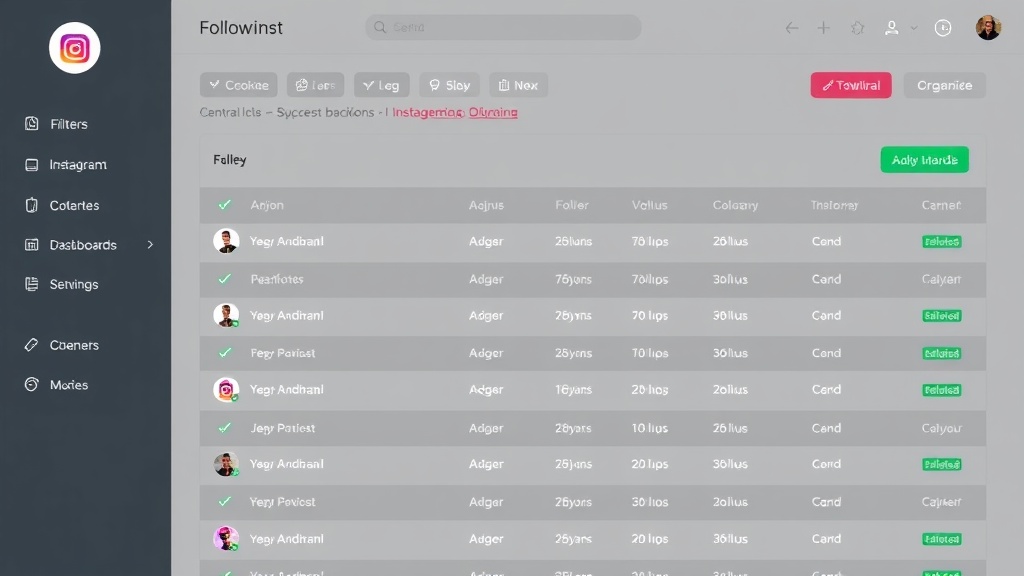
This is the heart of the audit, and the part Instagram makes deliberately hard. You need to compare your following against your followers. Doing it by hand works only for tiny accounts; beyond that, use a tool. Followgap, a free Instagram unfollowers tracker, scans both lists and shows every non-follower in seconds, right in your browser — no password, nothing uploaded.
Step 4 — Spot the obvious bots (3 minutes)
Skim your followers for no-photo, no-post accounts with random handles or numbers tacked onto the name. A few are harmless background noise; a flood usually means a bot wave you may want to remove. You don't need to catch every one — just thin out the obvious cluster.
Step 5 — Clean up, carefully (3 minutes)
Unfollow the non-followers you don't care about, remove obvious bot followers, and — importantly — leave the accounts you follow on purpose alone. This last part is where people make mistakes, so it gets its own tip.
Whitelist first. Brands, friends, and creators you follow intentionally often don't follow back. Protect them before any bulk cleanup so you don't lose the good ones with the dead weight.

Followgap — Instagram Unfollowers Tracker
Run step 3 in seconds. Followgap scans your followers and following and lists every non-follower instantly — free, in your browser, no password.
Try It Free →What the Numbers Actually Tell You
Numbers are only useful if you know how to read them. A low engagement rate with a high follower count points to ghosts and bots — your audience is more decorative than real. A big gap between following and followers means you've been over-following; trimming it is a quick credibility win. And a follower count that drifts down a little every week is almost always normal turnover, not a problem to solve. The audit isn't about hitting perfect figures — it's about catching the trends early enough to act on them calmly.
How Often Should You Run It?
Once a quarter is plenty for most accounts. If you're actively growing, doing giveaways, or running follow campaigns, monthly keeps things tidy. Any more often than that and you're just feeding anxiety — the whole point is a quick, periodic reset, not a daily habit. For the deeper cleanup side, our guide on cleaning fake followers fast goes further.
Red Flags to Watch For
A few patterns are worth noticing during an audit. A sudden spike in followers with no matching jump in engagement often means a bot wave or a giveaway hangover. A steadily widening gap between following and followers means your follow habit has outpaced your growth. And if a chunk of recent followers vanish within days, that's the follow-then-unfollow crowd at work. None of these are emergencies — they're just signals telling you where to point your fifteen minutes.
Frequently Asked Questions
Is it safe to use a tool to audit my followers?
Yes, as long as it runs in your browser and never asks for your password. Avoid anything that wants your login or routes your data through its own servers.
Will an audit hurt my reach?
The opposite. Removing dead weight tends to lift your engagement rate, which is what actually drives reach. Just don't mass-unfollow everything in one burst.
Do I need to pay for any of this?
No. A free browser tracker plus a few minutes of manual checking covers a full audit. Be wary of anything locking basic follower checks behind a subscription.
How long does a follower audit take?
About fifteen minutes once you've done it once. The follower comparison is the only slow part by hand, and a tool cuts that down to seconds.
The Bottom Line
A follower audit is fifteen minutes that pays off for months. Check your ratio, glance at engagement, clear the non-followers and obvious bots, and protect the accounts that matter. Do it once a quarter and your profile stays lean, credible, and genuinely yours.
























